We added experimental DeepSeek Harness support in AIWG 2026.9.5, the stable release published September 7, 2026. You can carry existing project instructions and reusable skills into Harness, run a task through its headless interface or SDK, and explicitly import a raw session back into AIWG. Release notes
DeepSeek Harness is an upstream developer preview built on Cordis, with plugins supplying models, tools, skills, sessions, sandboxes, and the UI. It can be used from the CLI or through an SDK. That makes the surrounding configuration part of the working environment: the model is one choice, and the tools and workspace context available to it are other choices. Upstream overview · Harness repository
Carry the project context with you
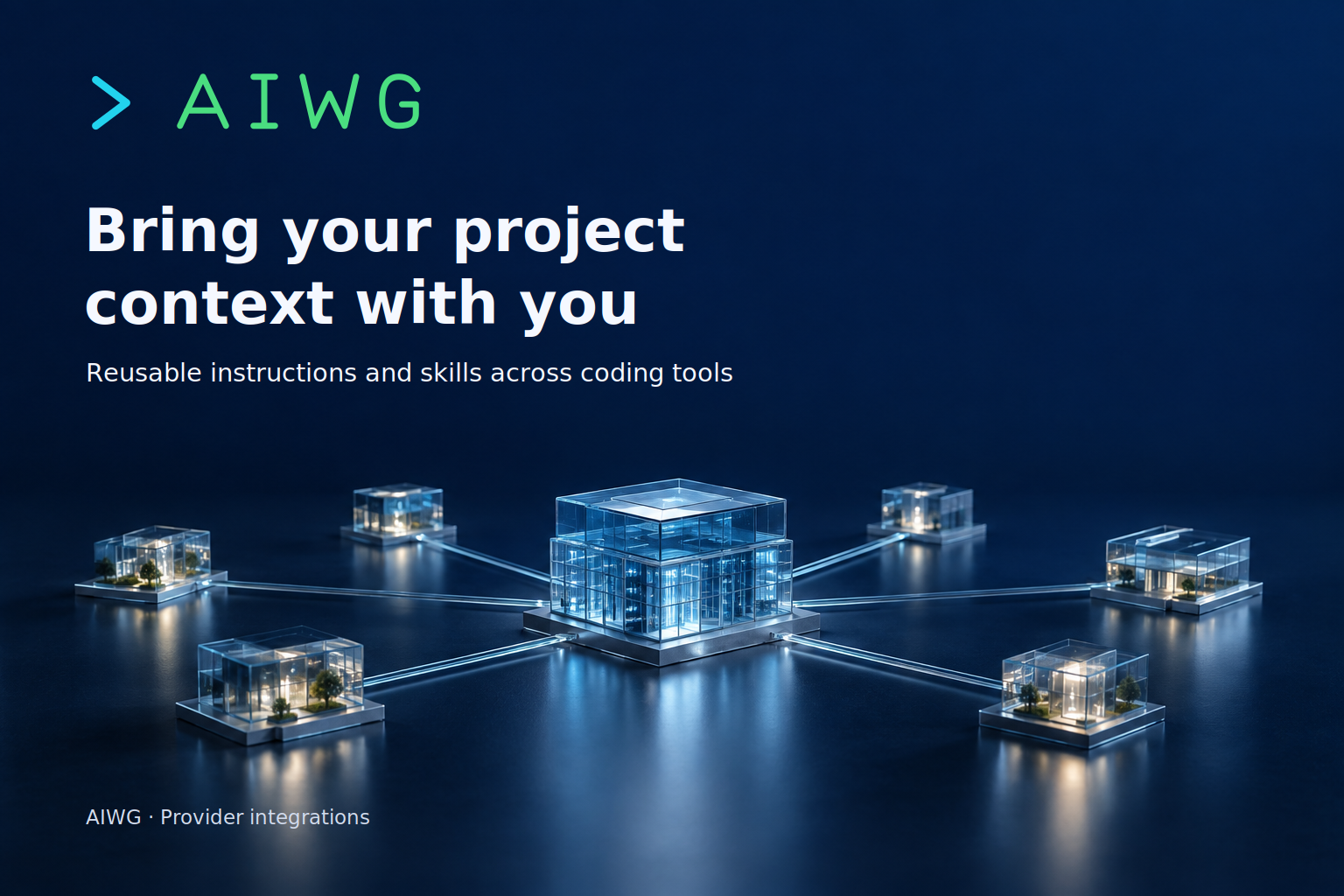
Once a project has established instructions and reusable skills, bringing those into another tool matters. Otherwise, a familiar task begins with reconstructing the conventions the project already has: where guidance lives, which procedures apply, and how to approach work in this particular repository.
The AIWG provider deploys an AGENTS.md bootstrap pointing to WORKSPACE.md and AIWG.md, along with skills under .agents/skills/. It also creates an operational overlay at .dsh/aiwg.cordis.patch.yml. That overlay selects the workspace-write sandbox, disables telemetry, and enables raw JSONL session persistence. Existing settings and credentials are preserved. You still need to set up the model route and its credentials inside Harness. Provider guide
Use deepseek-harness or dsh as the AIWG provider selector. The bare name deepseek is not a supported alias. This selector chooses the Harness integration; it does not choose the LLM route or model inside Harness. Keeping those settings distinct makes it easier to tell whether a problem belongs to workspace deployment or model configuration. Provider guide
Start with the pinned setup
The qualified baseline is @deepseek-ai/dsh version 0.1.3-alpha.1. The runtime accepts reviewed versions and rejects other versions, so follow the guide's pinned installation instructions before running the example. A working dsh command and configured model route are prerequisites for the final command below. Installation and configuration
Preview the deployment, apply it, and check the provider:
aiwg use all --provider deepseek-harness --dry-run
aiwg use all --provider deepseek-harness
aiwg doctor --provider deepseek-harness
Then, with the pinned Harness installed and its model route configured:
dsh --profile headless --patch .dsh/aiwg.cordis.patch.yml "Review this workspace"
For a project that already uses AIWG, this is the progression from its existing guidance to a Harness task: deploy the bootstrap and skills, configure the route, then run the review with the overlay. The project context is in place before the task starts.
Run a task and bring the session back
The integration includes experimental headless execution and streaming SDK JSON-RPC support, with bounded output and timeouts. It waits for the root task and known child work before reporting completion. That gives the caller limits on how long it waits and how much output it receives, while allowing known child work to finish before the run is reported complete. Provider guide
Raw v2 JSONL sessions can be explicitly imported into AIWG. The importer retains session topology and user and final assistant text while redacting sensitive payloads. Compressed sessions require a reviewed raw export before import, so bringing a run back into AIWG depends on having that raw session available. Session import guide
AIWG 2026.9.5 is a stable release, but this provider remains experimental. AIWG hook wiring, MCP injection, structured question responses, and daemon and cron integration are unsupported in this provider, even where Harness offers related capabilities natively. Provider guide
Follow the guide to bring an existing workflow into Harness, and join the discussion with the workflow you tried. If you encounter a problem, report an issue with the Harness version so it can be checked against the supported setup.