AIWG 2026.11.0, released November 1, 2026, brings AIWG into apps built with Flue. You choose the frameworks your app needs, and AIWG deploys their skills, project context, tools and specialist helpers into the app. They arrive as files in your project or as imports from the new @aiwg/flue package. The same setup runs on Node and on Cloudflare Workers. Release notes
Flue is an open-source TypeScript framework for durable AI agents, developed in the Astro project's GitHub organization. Its agents keep state across restarts, delegate to subagents, call tools and load skills. Flue is built on Pi and works with any model provider. Flue · Repository
Choose what your app gets
An agent app needs the guidance for its own job, so you declare the AIWG frameworks it should carry. From the app directory:
aiwg use sdlc --provider flue --declare
aiwg use voice-framework --provider flue --declare
aiwg refresh
The declarations are saved in the project's AIWG config. Each refresh or update deploys exactly that set, and it removes a framework you drop while keeping any files you edited. Add --dry-run to see the plan first. You can also hand the job to your coding assistant: "Add only the SDLC framework and the voice framework to my Flue app." Provider guide
What lands in the app
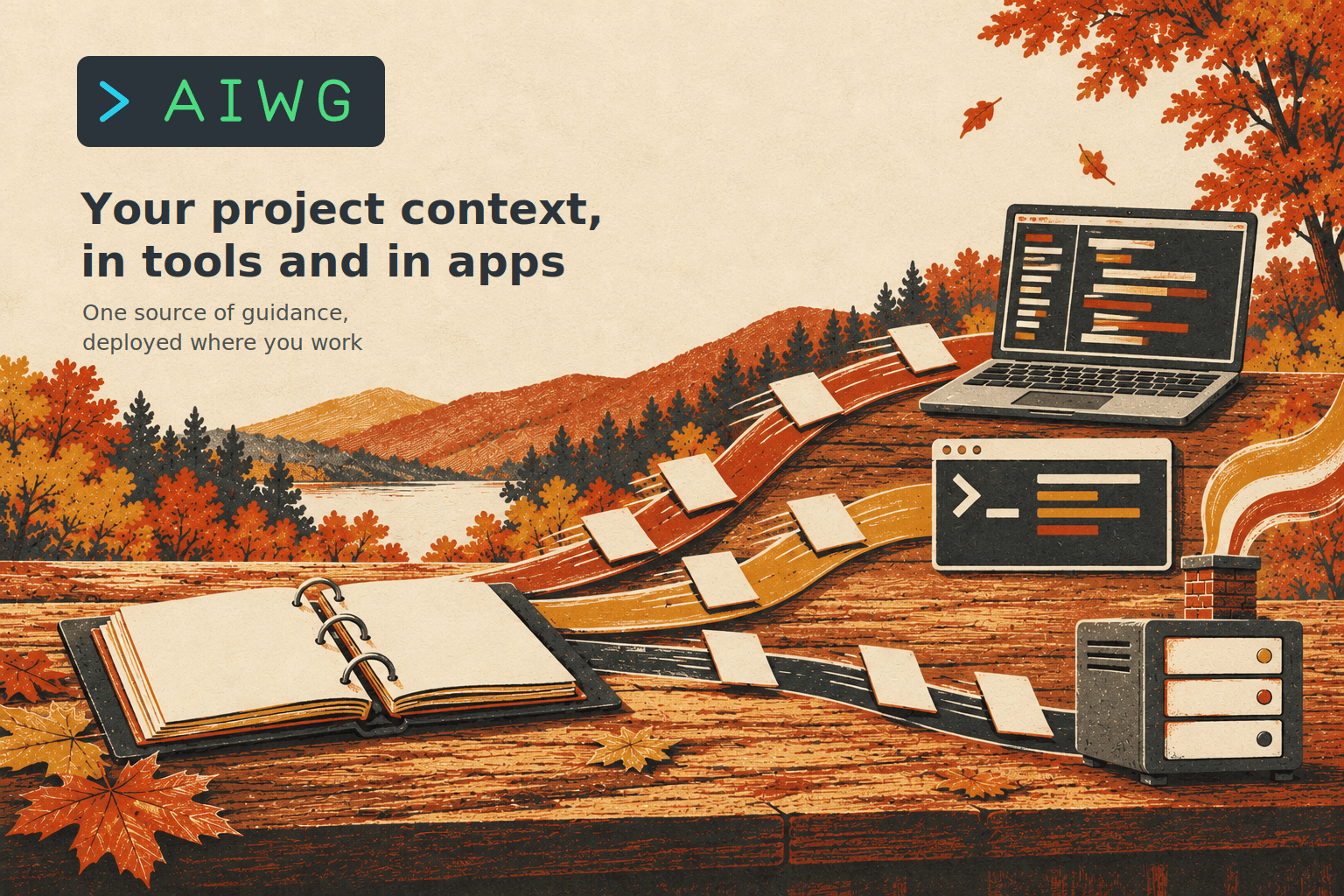
Skills go to .agents/skills/, and your WORKSPACE.md, AIWG.md and core rules are written into AGENTS.md, which Flue reads directly. Three generated modules connect the agent to AIWG:
src/aiwg/tools.tsgives the agent three tools. One searches the installed AIWG capabilities, one reads a capability with its governing rules, and one writes an artifact into the project's AIWG store, such as.aiwg/reviews/example.md.src/aiwg/skills.tsexports each skill and a list per framework, such assdlcSkills, withuseAiwgSkills()to mount them.src/aiwg/specialists.tsadds the helpers each framework names. SDLC brings Code Reviewer and Test Engineer, built from the agent definitions AIWG ships. They use the app's model unless you pin one.
On Node, AIWG also writes a db.ts that keeps conversation state in SQLite at .flue-state/state.db. Your app keeps choosing its model and credentials, and AIWG supplies the guidance and tools.
Import AIWG as a package
If you'd rather keep skills out of the project tree, install @aiwg/flue, the new MIT package, and use package mode:
npm install @aiwg/flue @flue/[email protected] @modelcontextprotocol/[email protected] 'valibot@^1.1.0'
aiwg use sdlc --provider flue --package
The generated modules then import skills straight from the package, and the choice carries through every update and refresh. Apps can also import directly:
import { useModel, useSkill, useSubagent, useTool } from '@flue/runtime';
import quickref from '@aiwg/flue/skills/sdlc-quickref/SKILL.md';
import { codeReviewer } from '@aiwg/flue/specialists';
import { createAiwgTools } from '@aiwg/flue/tools/node';

export function Assistant() {
  const model = process.env.FLUE_MODEL!;
  useModel(model);
  const tools = Object.values(createAiwgTools());
  for (const tool of tools) useTool(tool);
  useSkill(quickref);
  useSubagent(codeReviewer({ model, tools }));
  return 'Review the supplied change using the SDLC rules.';
}
Connect to AIWG on your build server
An app can also reach AIWG over the network. aiwg mcp serve --transport http starts a listener bound to one project, protected by a token you supply from the environment or a file:
aiwg mcp serve --transport http --project /srv/build/my-project \
  --token-env AIWG_MCP_TOKEN --port 3100
The Flue app mounts it with useMcpConnection, or with createAiwgConnection({ url, token }) from the package. Artifacts land in the listener's project. To rotate the credential, replace the token file and reconnect. Remote setup
Run on Cloudflare Workers
Declare target: 'cloudflare' in flue.config.ts, and AIWG generates a Worker-ready app. src/aiwg/tools.ts exposes aiwgConnection(), which reads AIWG_MCP_URL and AIWG_MCP_TOKEN from Worker bindings. Each agent's Durable Object holds its conversation state. We ran the full lifecycle check against a live Worker on workers.dev. It covered packaged skills, specialist delegation, remote discovery and artifact writes, restart and resume, abort, and a wrong token, and every case passed. Cloudflare example
Try it
The Node example is a small Flue app with a pinned lockfile:
aiwg use sdlc --provider flue
npm ci
npm run dev
Then give it a task:
Review this change:
export const add = (a, b) => a - b;. Discover the AIWG SDLC quickref, show its governing rules, activate it, ask Code Reviewer to assess the change, and save the review at reviews/example.md.
The agent finds the skill, reads its rules, hands the change to the reviewer and saves the review as a project artifact. Run a production build or flue run, reuse the same conversation id after a restart, and the agent picks up where it left off. Node example
Built and tested with Flue 2.3.0, Pi 1.4.0 and Node 24.
We will keep improving the Flue integration in coming releases. If you build agents with Flue, add AIWG to your app and show us what it does.